Two Steam Deck updates have landed this week and both point at the same thing: the problem is no longer the hardware, it’s the time you lose moving games around.
On one hand, Valve has taken local transfers out of beta: they’re now available to everyone. On the other, the SteamOS 3.5 preview adds HDR and variable refresh rate on external monitors. Here’s what each one means.
Local transfers: what they are and why they matter

The feature moves a game installation between two devices over your local network, without downloading it from the internet again. It works between a PC and a Steam Deck, between two Decks and between two PCs.
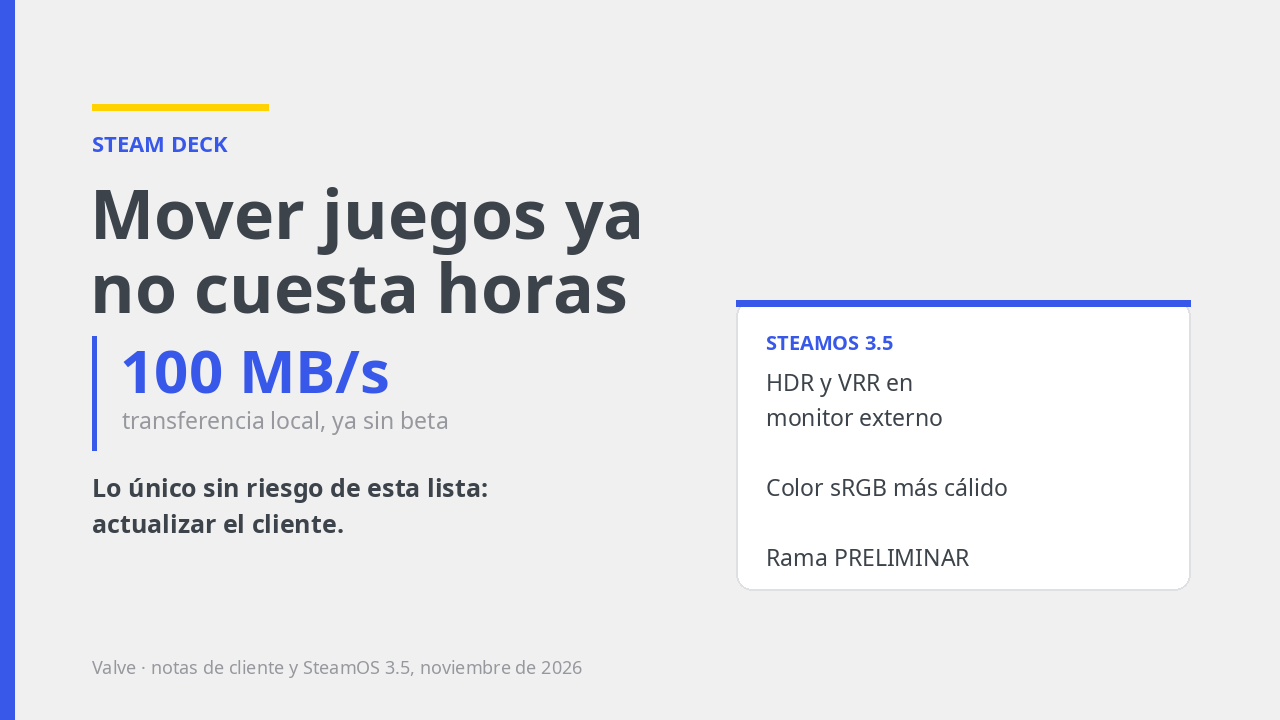
The real benefit isn’t convenience: it’s speed. With good hardware and a good connection you get around 100 MB/s, well above what a Steam download usually delivers even with the PC on Ethernet. If you’ve ever waited two hours to play on the Deck something you already had downloaded on your computer, this is exactly what fixes it.
The client update also brings tweaks to SteamOS, Steam Input and desktop mode, plus minor fixes.
How to use it: both devices on the same network, signed in with the same account, and the transfer option available when installing the game. If it doesn’t show up, check that both clients are up to date.
SteamOS 3.5: what you’ll actually notice
- HDR on an external monitor. If you have a compatible monitor and connect it through a suitable USB-C adapter.
- VRR (variable refresh rate) on an external screen too, under the same hardware conditions.
- Warmer, more vivid default colour: the system switches to sRGB primaries. It’s the change you notice the moment it boots, and it isn’t a setting you touched.
- Updated graphics drivers, with performance and feature improvements.
- Faster wake from sleep and a fix for touchscreen orientation on an external monitor.
- Better Starfield performance, per Valve’s notes.
One warning: this is a preview. If you use the Deck to play rather than to tinker, the stable branch remains the sensible choice until this ships to production.
What it doesn’t fix
Neither update changes the usual: the Deck is still a Linux machine, and games without a native version depend on Proton. Fast transfers don’t make a game run well: they just get it to the same test sooner.
And the battery is still the battery. HDR and VRR on an external monitor are real improvements, but they cost power: if you play plugged in, great; if you’re counting on three hours with HDR on, assume the opposite.
What to do this week
- Update the Steam client and look for the local transfer option next time you install something big. It’s free and it’s the only thing on this list with no risk.
- Try the transfer with a heavy game, which is where it shows. You won’t see the difference with a 2 GB one.
- Don’t jump to SteamOS 3.5 yet if the Deck is your main machine. Wait until it leaves preview.
- If you have an HDR monitor and the improvement interests you, test it on the preview branch knowing you’re testing. Better with your saves backed up to the cloud.
Sources: Valve’s notes on local transfers leaving beta and the client update (November 2026), and SteamOS 3.5 preview release notes as reported by the specialist press on 9 November 2026. Features in preview branches may change or be withdrawn before reaching the stable release.



Be the first to leave a comment