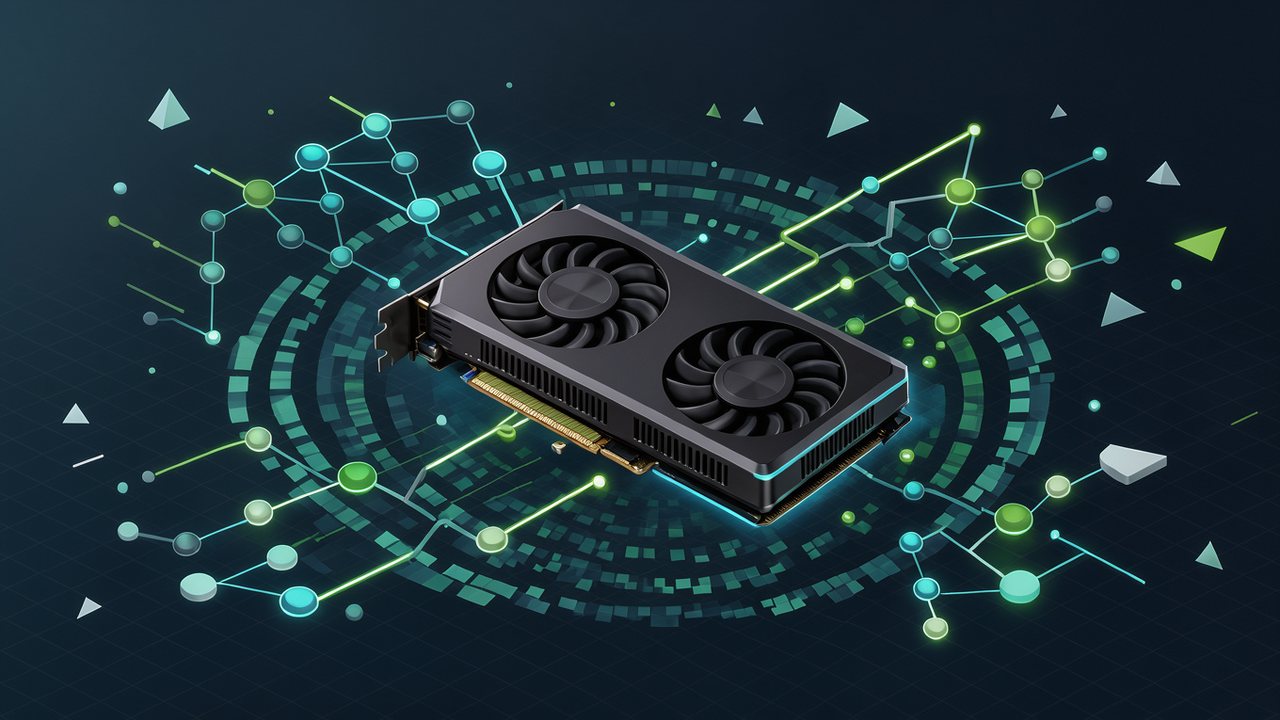
Apex Compute’s frame generation beta works on GPUs as old as the GTX 16 and RX 5000, plus the Steam Deck. It’s free, but there are caveats.
Apex Compute, a new name in rendering, has announced Apex Neural Rendering (ANR), its answer to DLSS. The interesting part isn’t just the speed claim — it’s where it claims to work: on NVIDIA, AMD and Intel GPUs, including older generations, and on the Steam Deck too. Its first module, frame generation, is available as a free beta download as of November 11. With GPU prices still climbing, the real question is simple: can it stretch the life of your current card?
What ANR is, and what you can use today
ANR is a three-part toolkit: super resolution (upscaling), ray reconstruction and frame generation. So far, so DLSS. The difference is the pace. Right now only frame generation (ANR FG) is out. Upscaling and ray reconstruction are “in training” and will follow later.

Frame generation inserts extra frames so the FPS counter climbs without the game doing more work. It doesn’t lower latency on its own, but it makes motion look smoother. It’s the same idea NVIDIA sells as Frame Generation — except here you can try it on hardware NVIDIA won’t touch.
Which GPUs it runs on
This is the selling point. Apex Compute says ANR runs on:
- NVIDIA: GTX 16 and RTX 20, 30, 40 and 50.
- AMD: RX 5000, 6000, 7000 and 9000, plus the Steam Deck.
- Intel: Arc A and B series.
- Apple Silicon: M1 and newer, via Metal.
Supported systems are Windows 10 and 11, Linux and SteamOS through Proton, and macOS 26 or later. Steam Deck and RX 5000 support is what sets ANR apart: if your GPU is five or six years old, you finally have an option.
The numbers — from the company itself
Apex Compute’s published figures look strong. Generating one frame in 2x mode at 4K on an RTX 5090 reportedly costs 1.01 ms, versus 1.26 ms for DLSS Frame Generation. In 4x mode it’s 0.61 ms against 0.82 ms. VRAM use at 4K is listed at 214 MB versus 562 MB for DLSS. The headline the company pushed on social media was “up to 2.4x faster.”
Treat that with care: these are in-house measurements, not independent lab results. And faster frame generation doesn’t guarantee better latency or better image quality. It still has to prove itself in real games, on real machines.
The fine print: beta, OptiScaler and compatibility
ANR FG isn’t a driver install. The beta ships through OptiScaler, and you have to edit each game’s folder, enabling it through the NVIDIA option the game already offers. It doesn’t integrate with games — it patches them. That means compatibility will vary from title to title, and games with aggressive anti-cheat may cause trouble. It’s an open beta, so expect changes.
What it means if you play
If you’re on a GTX 1660, an RTX 2060 or a Steam Deck and you’re not paying current GPU prices, ANR is a free way to grab extra frames. If you’re on an RTX 40 or 50, DLSS already does the job and ANR is, for now, a curiosity. The bottom line: it’s free, it’s beta, and the good numbers come from its maker. Test it in the game you actually play and trust your eyes, not their chart.


Be the first to leave a comment